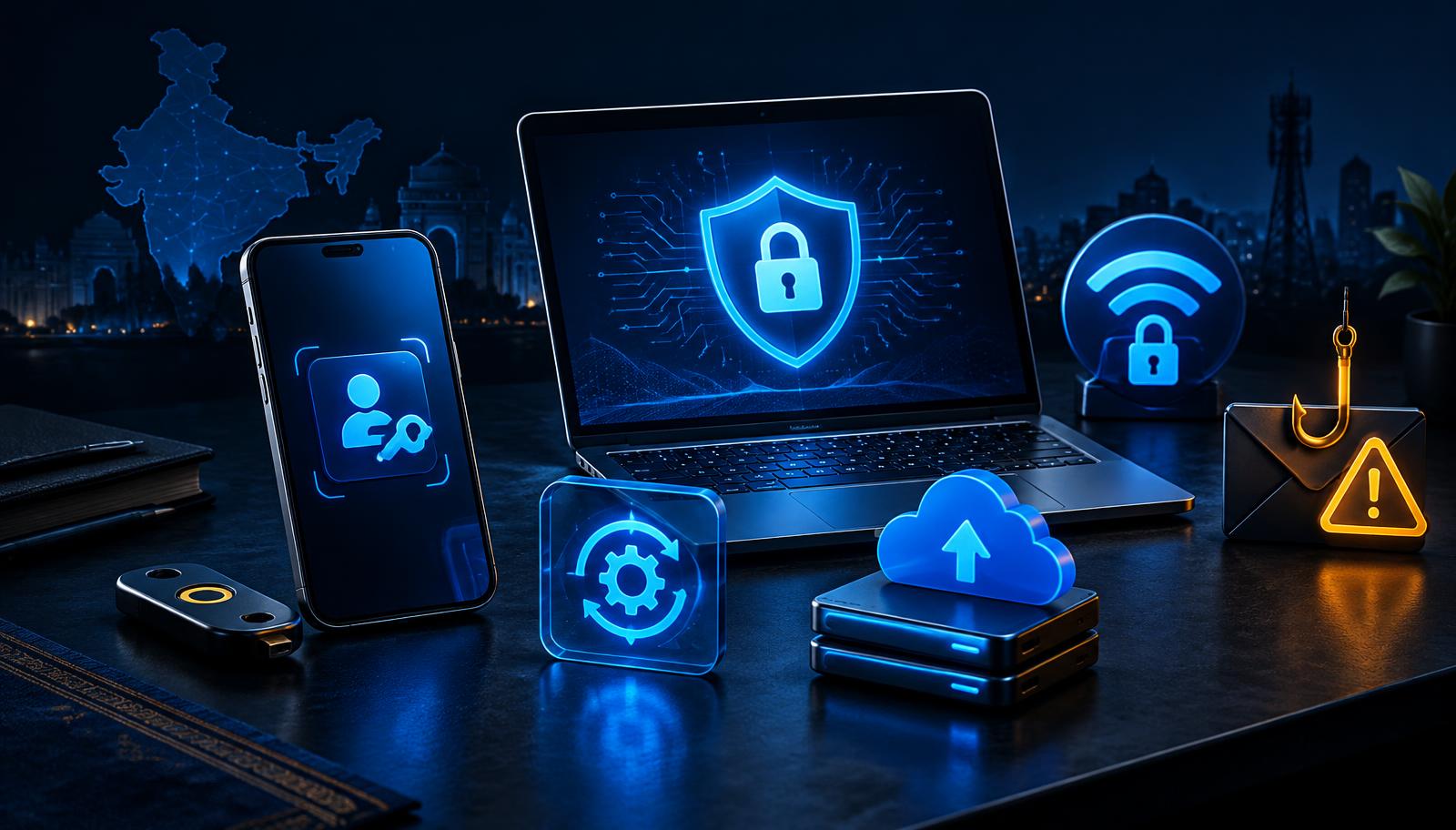
Personal security baseline
The five controls that stop common attacks
Start with high-impact habits before adding advanced tools.
Use a password manager
Unique credentials for every account
Turn on MFA
Prefer passkeys or authenticator apps
Update quickly
Patch phones, browsers and routers
Verify requests
Pause before links, payments or OTPs
Keep backups
Maintain one recoverable copy
10 cyber security tips everyone in India should follow
Most cyber attacks in India do not need a genius hacker. They need one busy person tapping a link without thinking. These ten habits stop the vast majority of everyday attacks — share them with your family, especially parents and grandparents.
reviewed | 2026-10-13 | Original Verizon 2025 DBIR executive summary and human-element analysis checked. Global dataset denominator retained; these figures are not India-only or hiring statistics.01Pause
Do not open the attachment or share an OTP | shield
02Verify
Contact the sender through a known independent channel | user
03Act
Report the message; block the sender if fraudulent | lock
04Recover
If compromised, revoke access and contact your bank when relevant | identity
1. Never share your OTP. Not with anyone.
No bank, no RBI official, no "customer care" will ever ask for your OTP, PIN or CVV. Anyone who asks is a scammer, without exception. Hang up.
2. Treat every urgent message as suspicious
"Your account will be blocked today", "Your KYC expires in 2 hours", "You won a prize" — urgency is the scammer's favourite tool. Real companies do not threaten you over SMS. Verify directly through the official app or website.
3. Check the sender, not the logo
Scam emails and SMS copy logos perfectly. What they cannot copy is the real address. A message from hdfc-alerts@secure-verify.in is not from HDFC. On WhatsApp, check whether the number is a verified business account.
4. Use a different password for every important account
If one site leaks your password and you reused it everywhere, attackers try it on your email and banking within minutes. A password manager (Bitwarden is free) remembers them for you.
5. Turn on two-factor authentication
Even if your password leaks, 2FA stops the attacker. Prefer app-based codes (Google Authenticator, Microsoft Authenticator) over SMS where possible.
6. Keep your phone and apps updated
Those update notifications patch real security holes that attackers actively exploit. Turn on automatic updates and stop postponing them.
7. Be careful on public Wi-Fi
Free airport and café Wi-Fi is a hunting ground. Avoid banking and payments on public networks, or use a reputable VPN.
8. Download apps only from official stores
"KYC update" apps sent over WhatsApp and APK files from websites are the top way malware lands on Indian phones. If it is not on the Play Store or App Store, do not install it.
9. Question every screen-sharing request
Scammers posing as support ask you to install AnyDesk or similar apps "to help you". That gives them your screen, your OTPs and your banking apps. Real support never needs this.
10. Talk about scams at home
The most effective security tool is a family that talks. Show your parents what a fake bank SMS looks like. Agree on a family rule: money requests get verified with a phone call first.
If you have already been scammed
Act fast: call your bank to freeze the account, file a complaint at cybercrime.gov.in or call the national helpline 1930, and change passwords on affected accounts. Speed matters — quick reporting genuinely improves the chance of recovering money.
Want to go deeper?
If these topics interest you, cyber security might be your career. Read our beginner's guide to cyber security, see what a SOC analyst actually does, or test yourself with a free AI mock interview.
Frequently asked questions
What is the most common cyber crime in India? Payment and OTP fraud through phishing calls and messages — by far. Most victims are targeted through SMS, WhatsApp and phone calls, not technical hacking.
Is UPI safe to use? Yes, UPI itself is secure. Fraud happens when people are tricked into approving requests or sharing OTPs. You never need to enter your PIN to receive money.
Do I need antivirus on my phone? If you only install apps from official stores and keep updates on, the built-in protection is usually enough. Antivirus helps most for people who install apps from outside the stores.
Everyday protection: controls and purpose
Identity | Unique passwords or passkeys; MFA; never share OTPs | identity
Device | Prompt updates; trusted apps; screen lock | laptop
Messages | Verify requests independently; inspect links and sender context | search
Payments | Confirm recipient; contact your bank promptly after fraud | shield
Recovery | Maintain backups; test restoration; protect recovery options | database
Reporting | Save evidence; use official support; warn affected contacts | user